MacNetwork
Desktop app
macOS
Images
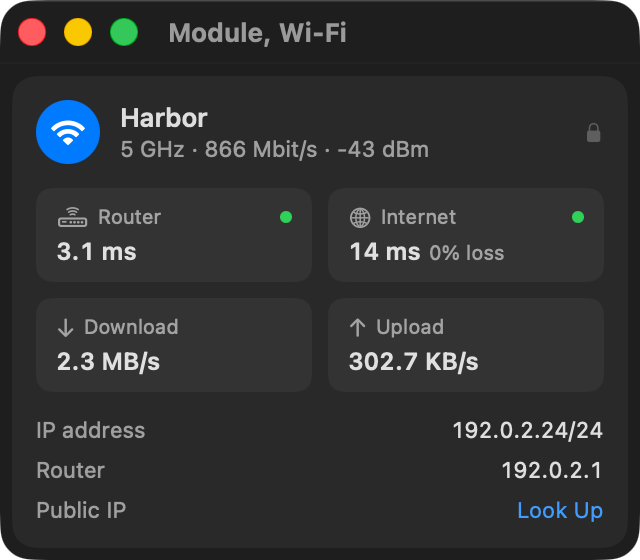
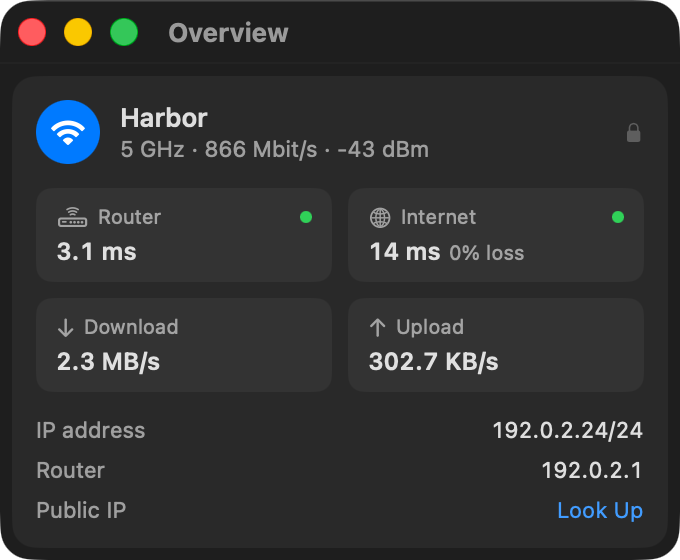
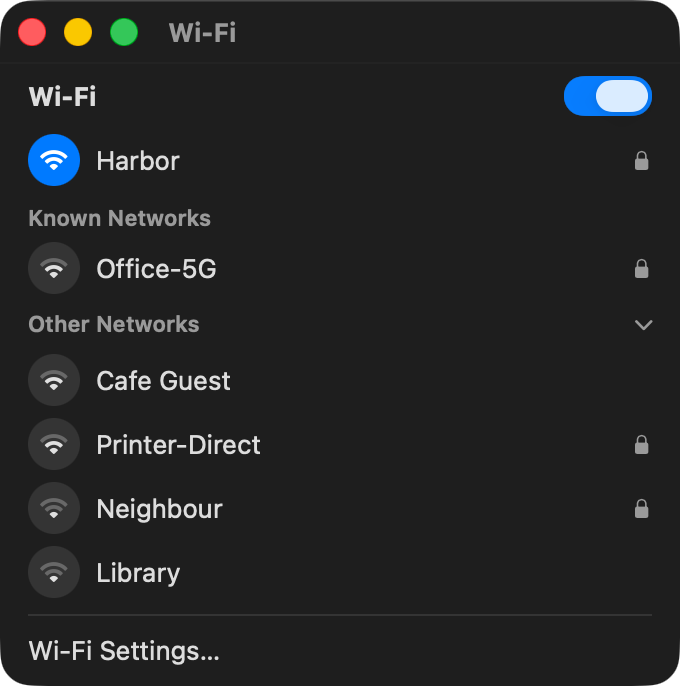
What it does
- Wi-Fi name and band or Ethernet speed, router and internet ping, packet loss and rates.
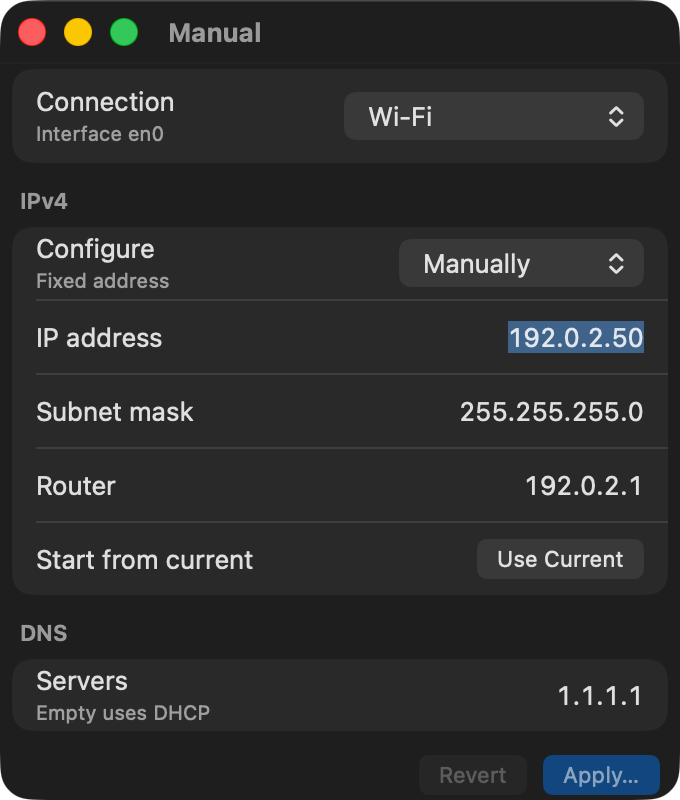
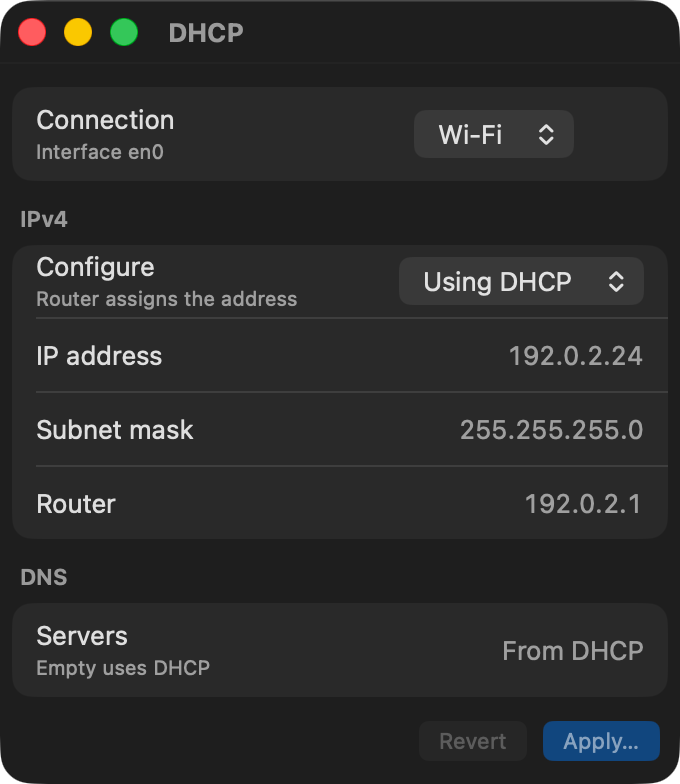
- Join, forget and toggle Wi-Fi; switch a service between DHCP and a fixed address.
- Keyboard: s for IP settings, r to refresh, w to toggle Wi-Fi, Esc to close.
Install
GitHub release
Release download
macOS
Channel version 0.1.0
Release pageAs documented by the project, not install-tested here.
Where it is distributed
Each channel is reported separately. Support for an ecosystem does not mean a listing there, and a channel may lag the source.GitHub Releases
Published
- Identity
mac-network- Listing
- github.com
- Channel version
- 0.1.0
- Listed
- Evidence
- Source record · observed
Versions and dates
- Latest release
v0.1.0· released- Source last updated
- (latest commit on
main) - Source commit
be9029f- Project maturity
- Not stated by the project
- Metadata last checked
Requirements
- macOS 15 or later.
- Apple silicon or Intel (documented).
Permissions and access
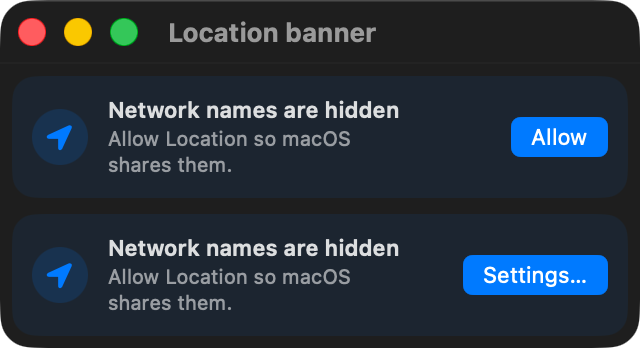
- Location Services, because macOS only shows Wi-Fi names to apps with Location access. The README states location is never recorded.
- Administrator approval for each change to IP settings or forgotten networks.
Network: Public IPv4 lookup through api.ipify.org, only when you click it. Enterprise Wi-Fi sign-in is not built in.
Details
- Compatibility
- macOS 15 or later; Apple silicon and Intel (documented)
- License
- MIT
- Derived from
- rohi.network — A macOS port of the My Network Omarchy widget.