Mac Breathe
Desktop app
macOS
Images
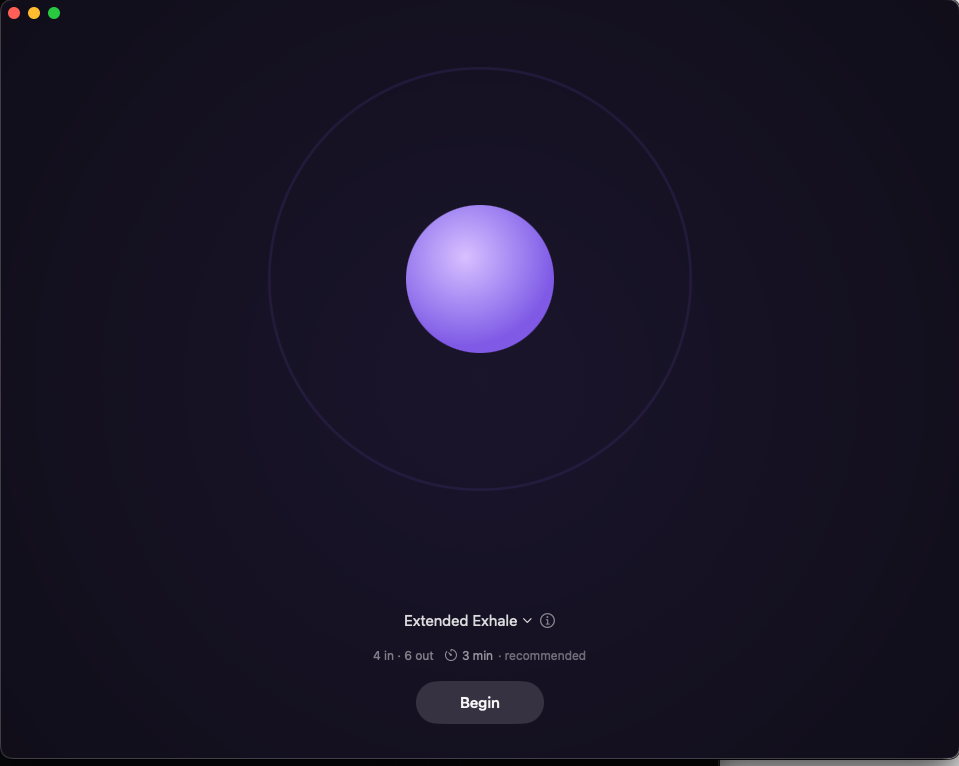
What it does
- 18 explained techniques for calm, sleep, focus, balance and energy, plus a custom rhythm.
- Menu bar panel and full-size focus window with an animated breathing orb.
- Timed sounds, optional background audio, spoken cues and trackpad taps.
- Session lengths, beginner adjustments, reminders and local practice statistics.
Install
GitHub release
Release download
macOS
Channel version 0.1.0
Release pageAs documented by the project, not install-tested here.
Where it is distributed
Each channel is reported separately. Support for an ecosystem does not mean a listing there, and a channel may lag the source.GitHub Releases
Published
- Identity
mac-breathe- Listing
- github.com
- Channel version
- 0.1.0
- Listed
- Evidence
- Source record · observed
Versions and dates
- Latest release
v0.1.0· released- Source last updated
- (latest commit on
main) - Source commit
6a82c69- Project maturity
- Not stated by the project
- Metadata last checked
Requirements
- macOS 15 or later; Apple silicon or Intel (documented).
- Energy techniques can cause dizziness or fainting. Follow the project's safety guidance; this app is not medical advice.
Permissions and access
- Optional reminders, spoken cues and trackpad feedback, as documented in the README.
- Stores practice settings and statistics locally.
Network: The README states no network access and no accounts.
Details
- Compatibility
- macOS 15 or later; Apple silicon and Intel (documented)
- License
- MIT