Docker Monitor
Plugin
Omarchy
Images
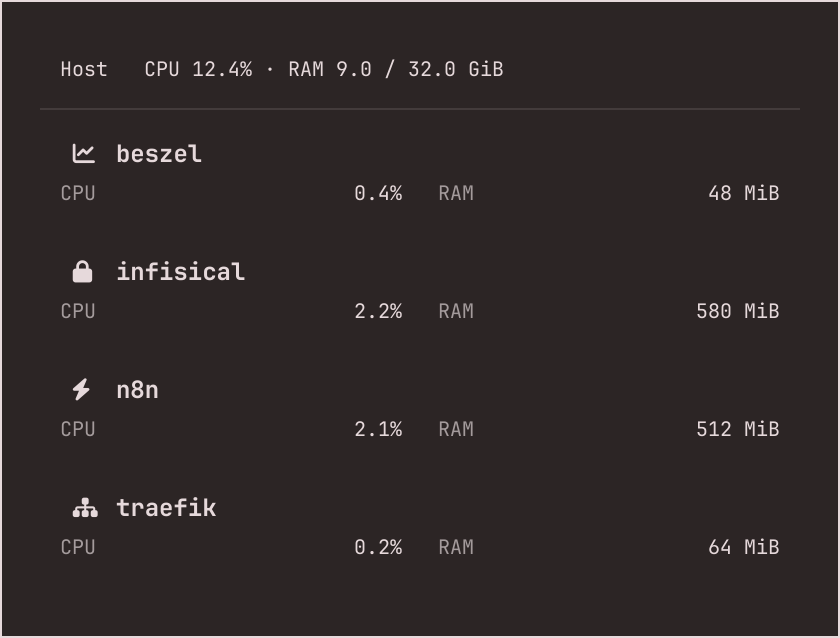
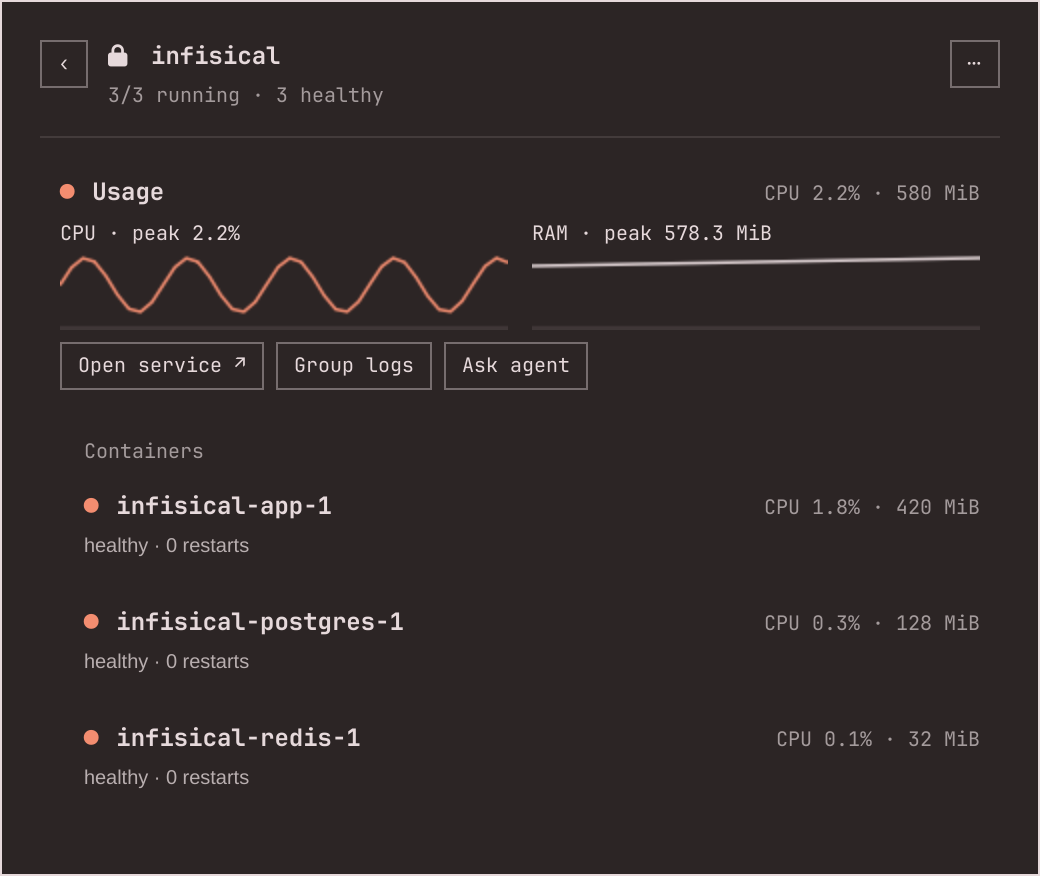
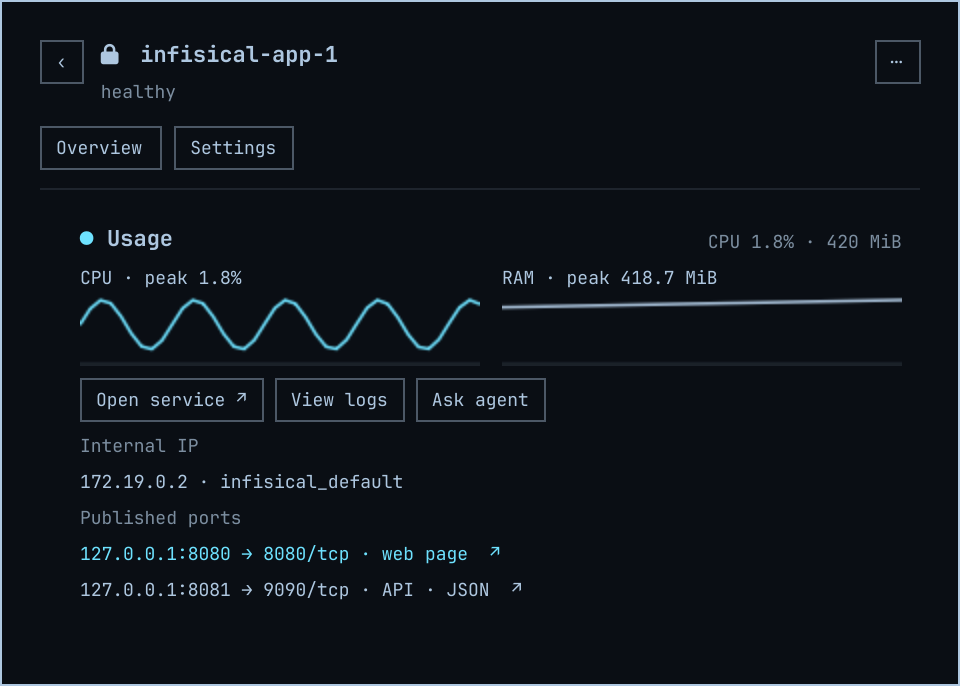
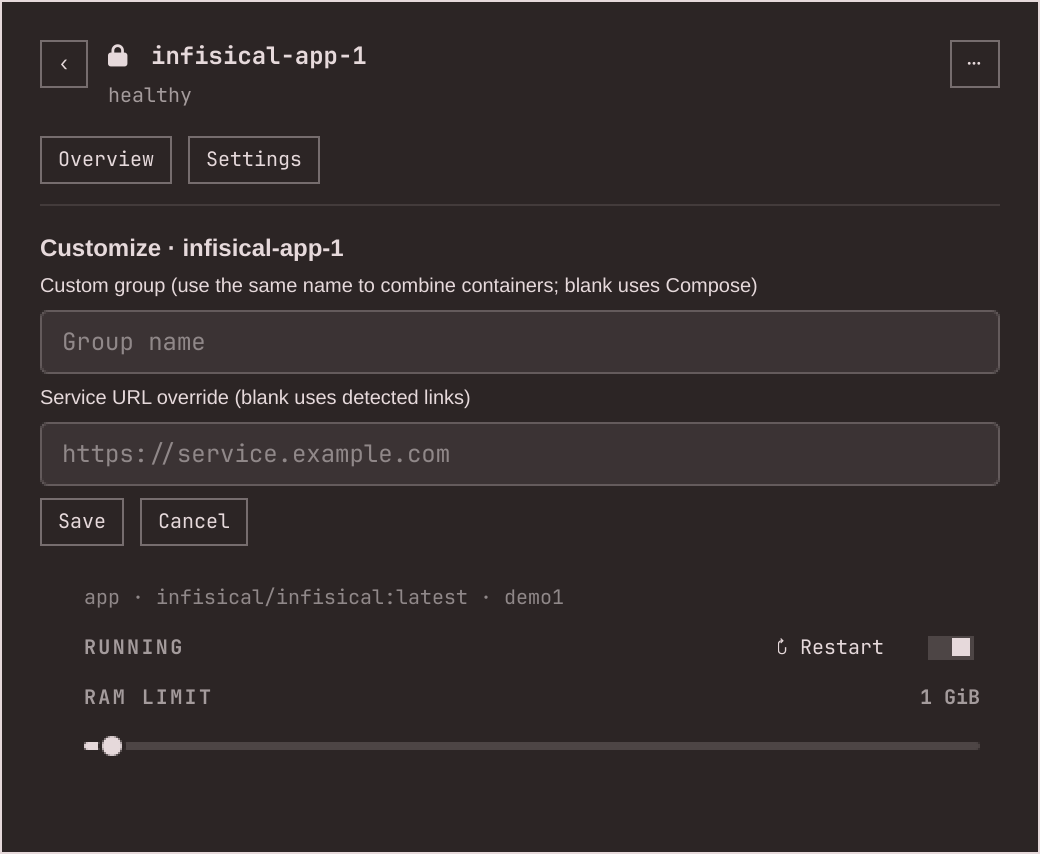
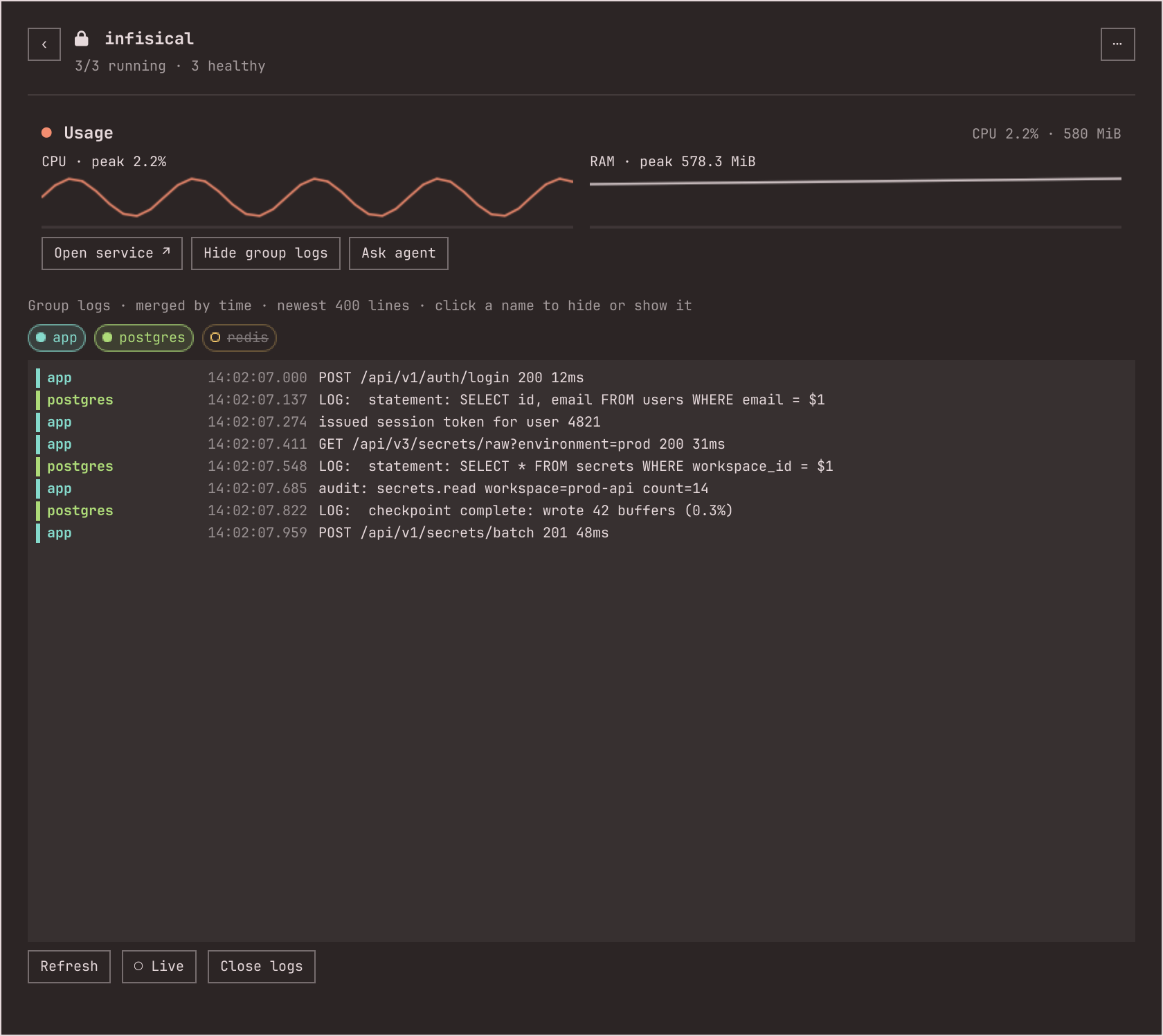
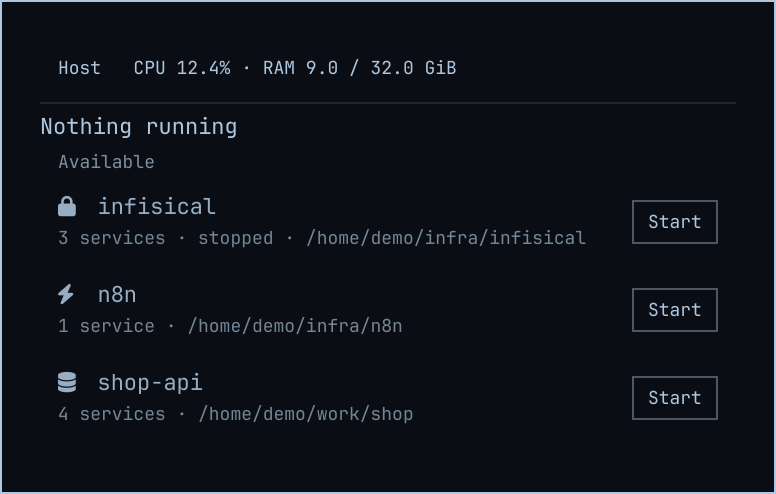
What it does
- Active Compose groups with CPU/RAM, health and service links.
- Merged, colour-coded group logs with per-container filtering and live follow.
- Start, stop and restart; RAM limits on a container's Settings page.
- Keyboard navigation: j/k or arrows, Enter to open, r to refresh.
Install
Omarchy plugin
Host command
Omarchy
Channel version 0.3.0
omarchy plugin add https://github.com/RohiRIK/omarchy-docker-monitor.git --enableInstructionsAs documented by the project, not install-tested here.
Where it is distributed
Each channel is reported separately. Support for an ecosystem does not mean a listing there, and a channel may lag the source.GitHub Releases
Published
- Identity
omarchy-docker-monitor- Listing
- github.com
- Channel version
- 0.3.0
- Listed
- Evidence
- Source record · observed
Omarchy Plugin Marketplace
Published
- Identity
rohirik.docker-monitor- Listing
- plugins.omarchy.org
- Channel version
- 0.3.0
- Listed commit
0e63adf- Listed
- Listing updated
- Channel state
snapshot-verified(as reported by the channel) — Omarchy's exact-commit source check, not a security audit- Evidence
- Source record · observed
Versions and dates
- Latest release
v0.3.0· released- Source manifest version
- 0.3.0 in
manifest.jsonat the source commit. This is the version the source declares, not a release. - Source last updated
- (latest commit on
main) - Source commit
0e63adf- Project maturity
- Not stated by the project
- Metadata last checked
- Note
- The documented Omarchy install adds the repository, not the release archive.
Requirements
- Omarchy Quattro with its Quickshell shell.
- Docker CLI and access to the Docker daemon from your desktop session.
- Python 3 and GNU coreutils (timeout); Linux /proc.
Permissions and access
- Uses Docker daemon access, which is a privileged capability.
- Can start, stop and restart containers, run docker compose up -d and change RAM limits.
- Omarchy plugins run unsandboxed.
Network: While the panel is open, sends one GET / to each port published by a running container to classify it. No telemetry.